How-To Guides
Scratchpad & Search
Scratchpad
The scratchpad is a text input area for composing commands before sending them to the terminal. It's especially useful on mobile where typing directly into the terminal can be awkward.
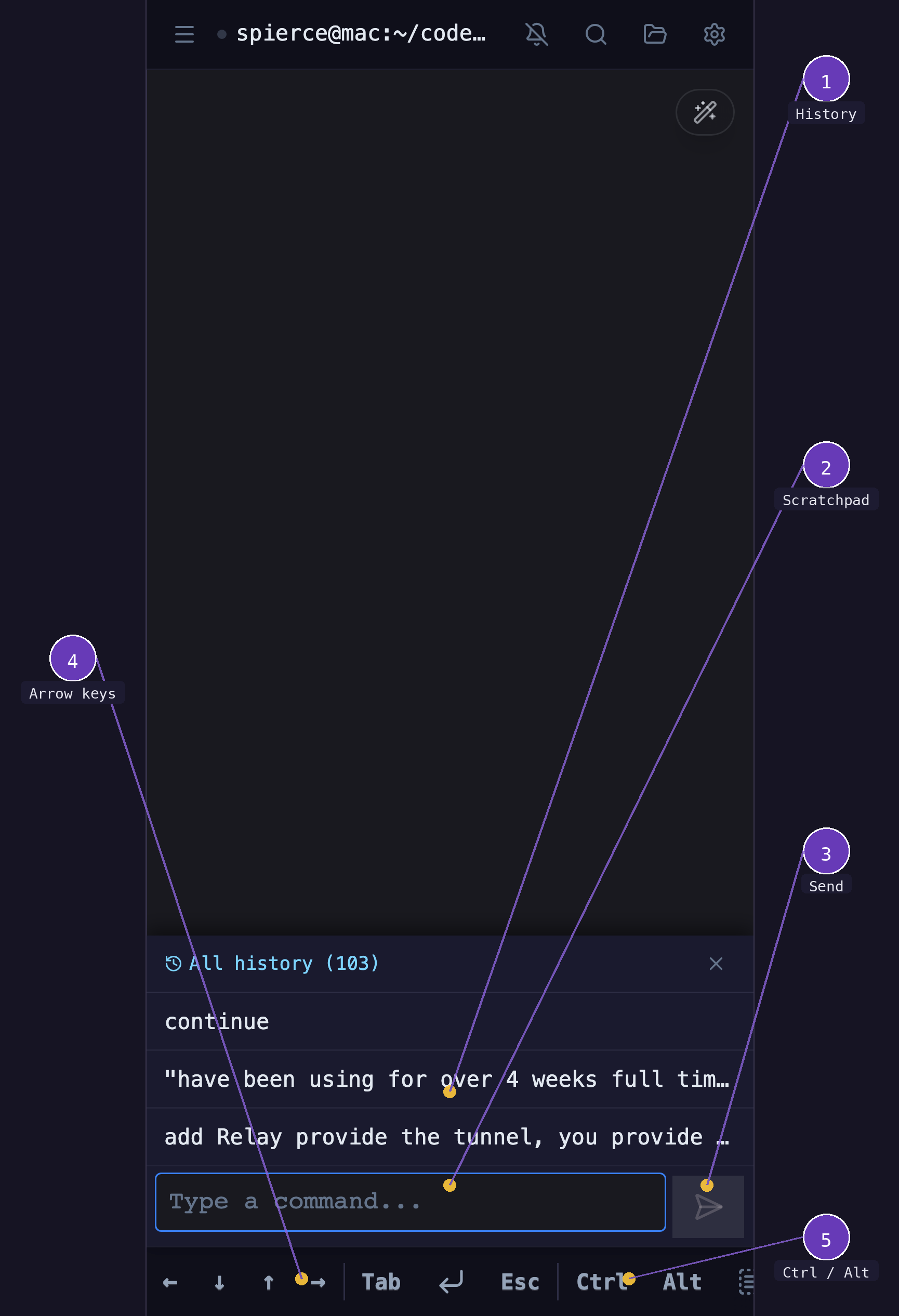
- Scratchpad — compose commands with autocomplete and autocorrect
- Send — sends the scratchpad text to the terminal
- Arrow keys — navigate shell history and cursor
- Ctrl / Alt — modifier keys for terminal shortcuts
How to use it:
- Tap the keyboard icon in the mobile toolbar
- Type your command in the text area (autocomplete and autocorrect work here)
- Press Send or hit Enter to send the text to the terminal
The scratchpad supports multi-line input and maintains a history of recently sent commands.
Terminal Search
Search through terminal output with the built-in search bar.
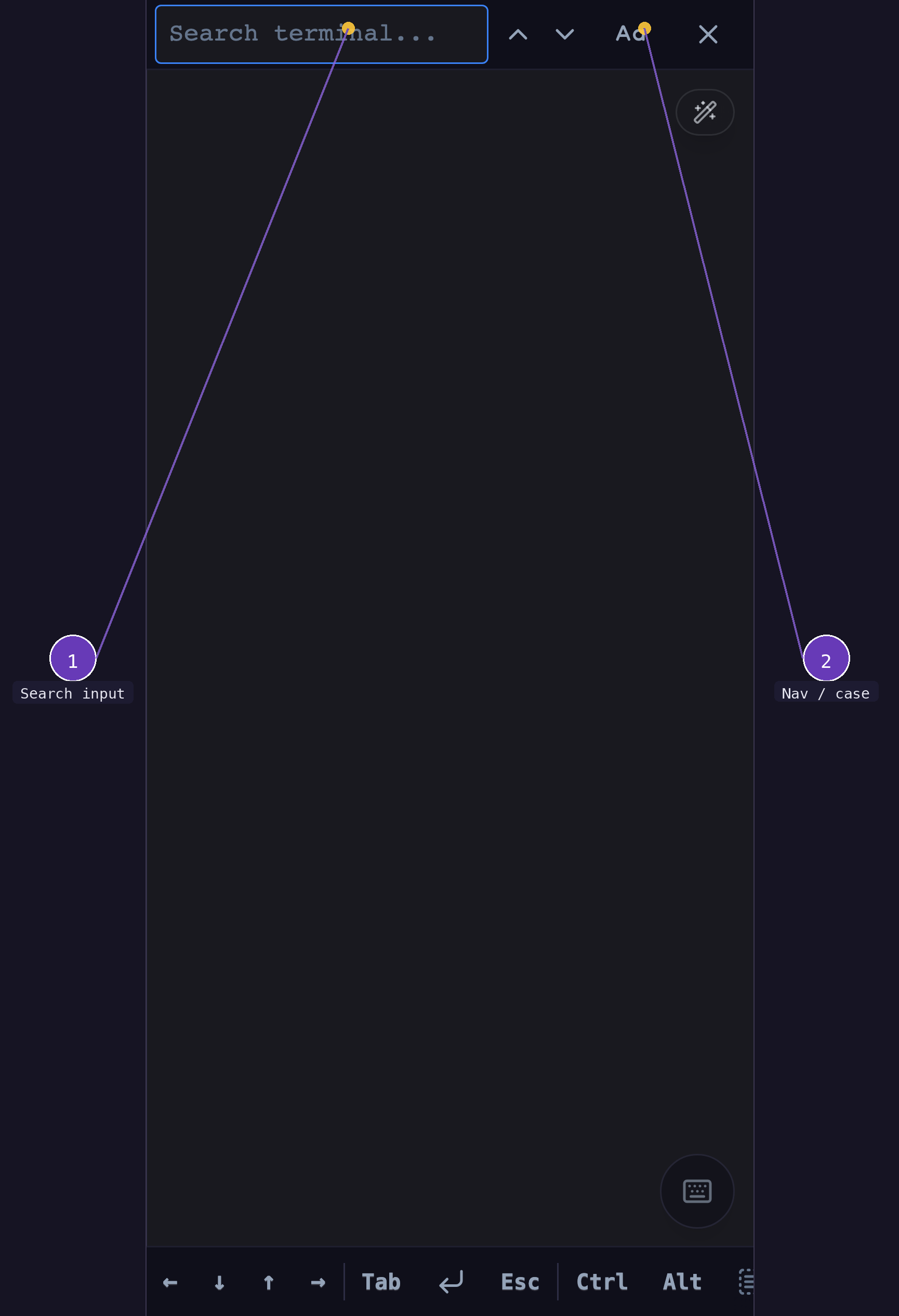
- Search input — type your query to find text in the terminal buffer
- Navigation & case toggle — prev/next match arrows, case-sensitive toggle (Aa), and close button
How to use it:
- Tap the search icon in the header toolbar
- Type your search query
- Use the up/down arrows to navigate between matches
- Press Escape or the close button to dismiss
Search highlights all matches in the visible terminal buffer.